 TiviPro
For iPhone, iPad and Apple TV
Your playlist, as television.
 Harbor Kitchen


 Coastal Cup · Sailing


 Wild Atlas · Savannah


 The Last Departure


Pick a channel to tune it. Channels and programmes shown are fictional.
TiviPro plays the live channels and programme guide from a provider you already use. It doesn’t include or sell channels.
It starts with your playlist.
Add your playlist
Sign in with Xtream Codes, or paste an M3U link from your provider. Add an XMLTV address if your guide lives somewhere else.
TiviPro has no account of its own. Your provider login is kept in your device’s Keychain.
Keep what you watch
TiviPro sorts your provider’s categories by country. Keep the countries and groups you want and hide the rest; you can change it later in Settings.
Watch with a guide
See what’s on now and next, then follow the evening in the programme guide.
Every screen in the house.
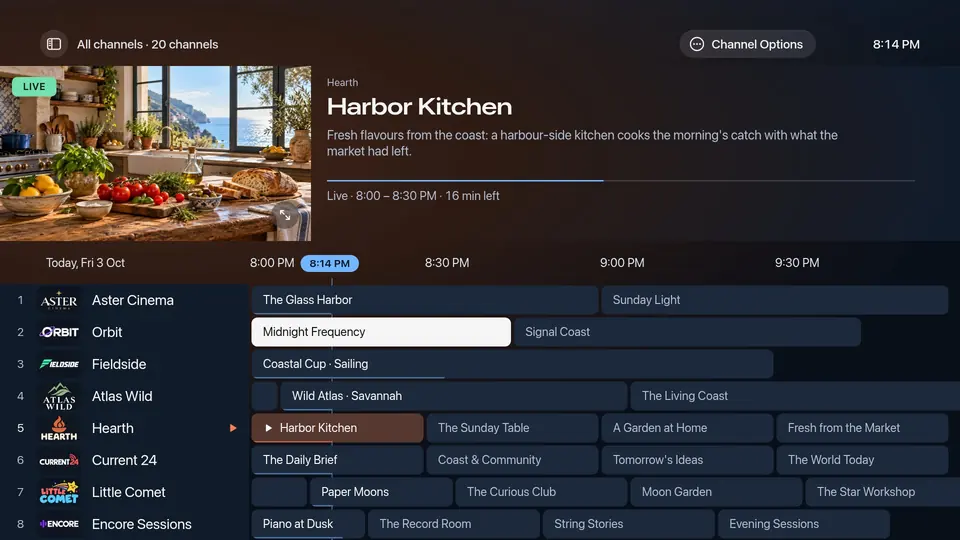
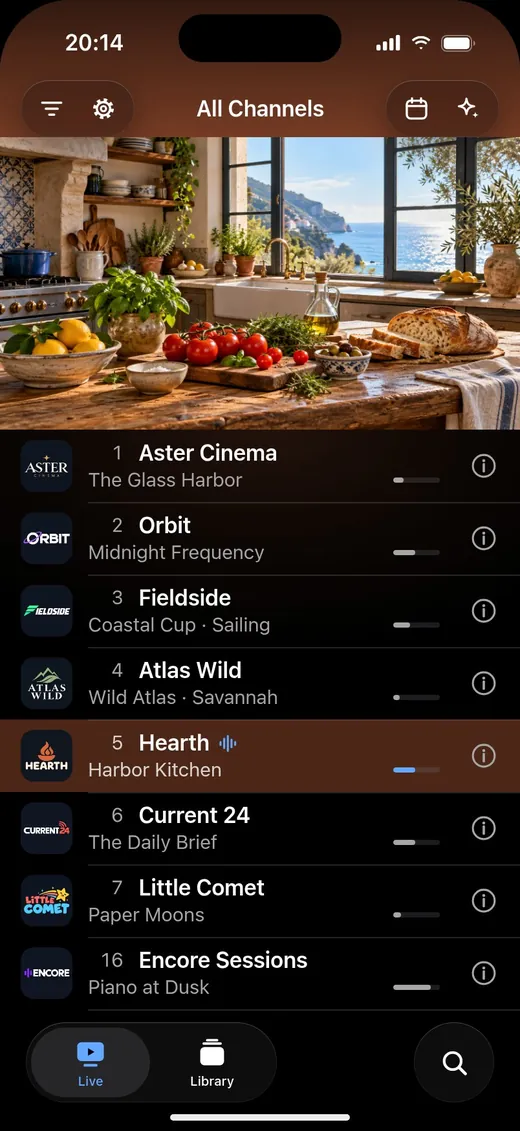
TiviPro+
An optional subscription, billed through your Apple Account. Prices come from the App Store and are shown in the app before you subscribe. Channels and provider subscriptions are separate.
Free
- Live channels and the programme guide
- One playlist
- Choosing countries, categories and groups
- Audio tracks, subtitles and text size
TiviPro+ adds
- More than one active playlist
- Favourites, and hiding and reordering channels
- Search across channels and programmes
- Catch-up and Watch from Start, where your provider keeps an archive
- Movies and series from your provider
- iCloud Sync between your devices
- Multiview on Apple TV
- Organising and asking with AI, with sharing you control in Settings
Something not working?
Write to support@tivipro.app, or read the common questions first.
Support